Home
Download
Purchase
Product Information
FAQs
What Users Are Saying
Registration Key Recovery
Salty Brine Products
Tech Support
View Help
FolderMatch is an award-winning Windows program that makes it easy to
compare folders & files and find duplicate files. Winner of the
prestigious Shareware Industry Award for three consecutive years,
FolderMatch is a must-have insurance against data loss.
|
|
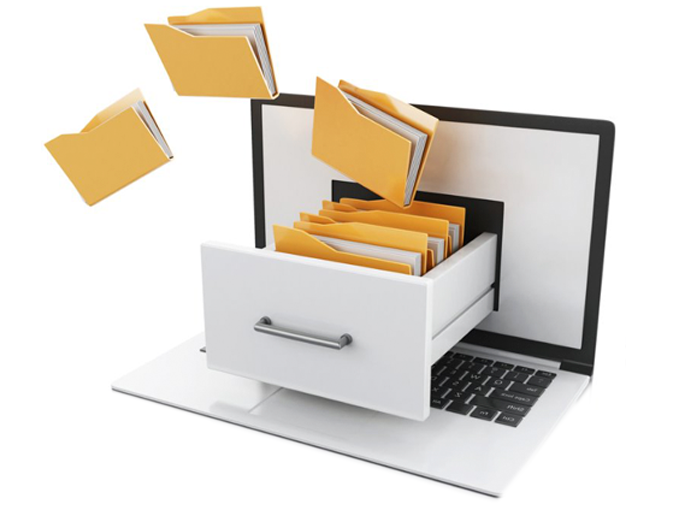
Compare FoldersFolderMatch is an essential tool for anyone who needs to compare two folders. Its intuitive user interface makes it easy to quickly compare two folders and see their differences in a side-by-side layout. With various criteria available to filter the results (Name, Type, Date, Size), you can easily see only the changes that you want to see. If you want to resolve the differences, FolderMatch allows you to manually copy, move, delete, & rename files and subfolders. If you want, FolderMatch can even synchronize the folders for you! Get FolderMatch today and you'll never have to worry about manually comparing and synchronizing two folders ever again! Compare two folders online (free, in your browser)
|
|

|
Sync FoldersKeep two folders, drives, or computers in step without copying files by hand. FolderMatch compares the folders, then synchronizes them at the click of a button, using the method you choose.
|
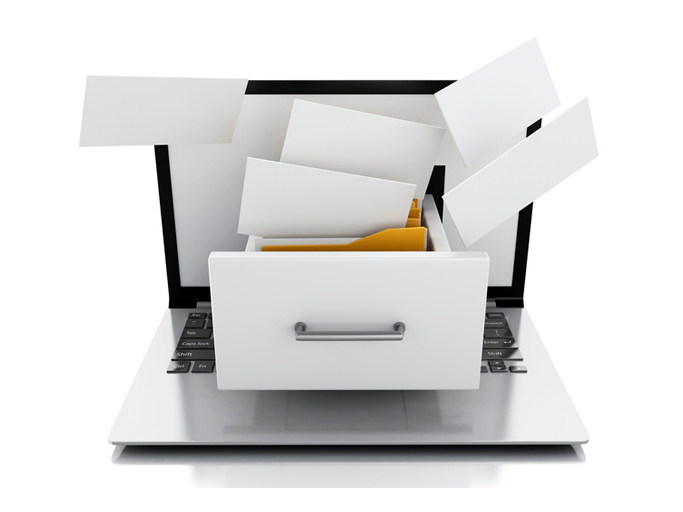
Compare FilesFolderMatch is the perfect choice for anyone looking to compare two files quickly and accurately. Whether you need to compare the properties of two files or their text content, we've got you covered. Our program can compare the text content of files and display the differences in a side-by-side layout. We support a variety of formats, including Microsoft Office, OpenDocument, Adobe PDF, RTF, HTML, and XML (both older and newer versions). With FolderMatch, you have the ability to ignore white space and letter case differences, view differences at the character, word, or line-level, and even configure the output to show line numbers and formatting characters. Plus, you can choose to view all lines or only those that are different, so you can focus on the differences that matter most to you. Try FolderMatch today and take your file comparison to the next level!
|
|
|
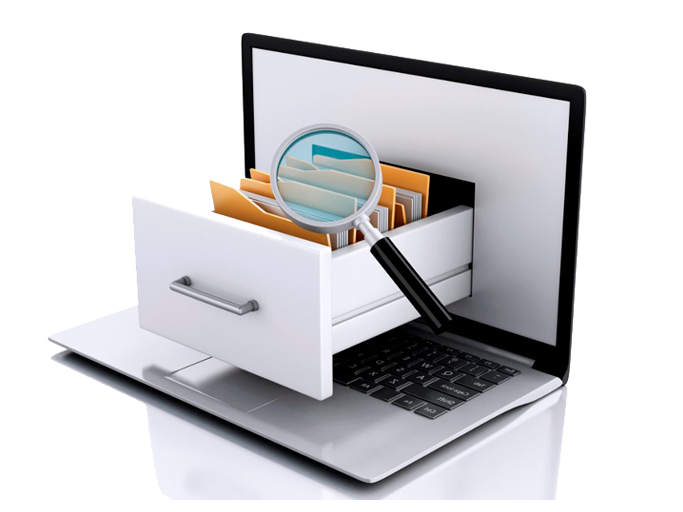
Find DuplicatesAre you tired of searching through your files and folders to find and delete duplicates? FolderMatch can help! With one of the fastest duplicate search engines available, our program can quickly locate all your duplicate files, even if the names are different. Simply specify your criteria for what constitutes a duplicate (such as name, size, date, or content), choose which file types to search for (including all types, applications, audio, documents, images, text, and video), and decide which files to include or exclude. Once the duplicates are found, you can easily select which ones to remove and safely delete them in a variety of ways. And if you ever need to recover a file you've moved, FolderMatch makes it easy to do so. Upgrade your file management with FolderMatch and save time and space on your device.
|
So much more!FolderMatch also provides other tools to help manage the contents of your folders. Tools offered include:

|

|